Site Components - demo
Note to self: this post documents the interactive and visual components available on this site. Keep it up to date as you add new things!
Copyable LaTeX math
MathJax 3 is loaded on every page. Right-click any rendered equation → Copy TeX to get the raw LaTeX.
Inline math with $...$: The ELBO is $\mathcal{L}(\theta, \phi; x)$.
Display math with $$...$$:
Matched filters in signal processing:
\[h_{\text{MF}}(t) = s^*(T - t), \quad \text{SNR}_{\text{out}} = \frac{2E_s}{N_0}\]Code with copy button
Code blocks get a Copy button on hover (top-right of the block). Syntax highlighting via Highlight.js.
import numpy as np

def matched_filter(signal, template):
    """Cross-correlate signal with conjugate-flipped template."""
    h = np.conj(template[::-1])
    return np.convolve(signal, h, mode='full')
bundle exec jekyll serve   # local dev at http://localhost:4000
npm run lint               # ESLint check on assets/js/
Figures
Standard figure (using the _includes/figure.html include):
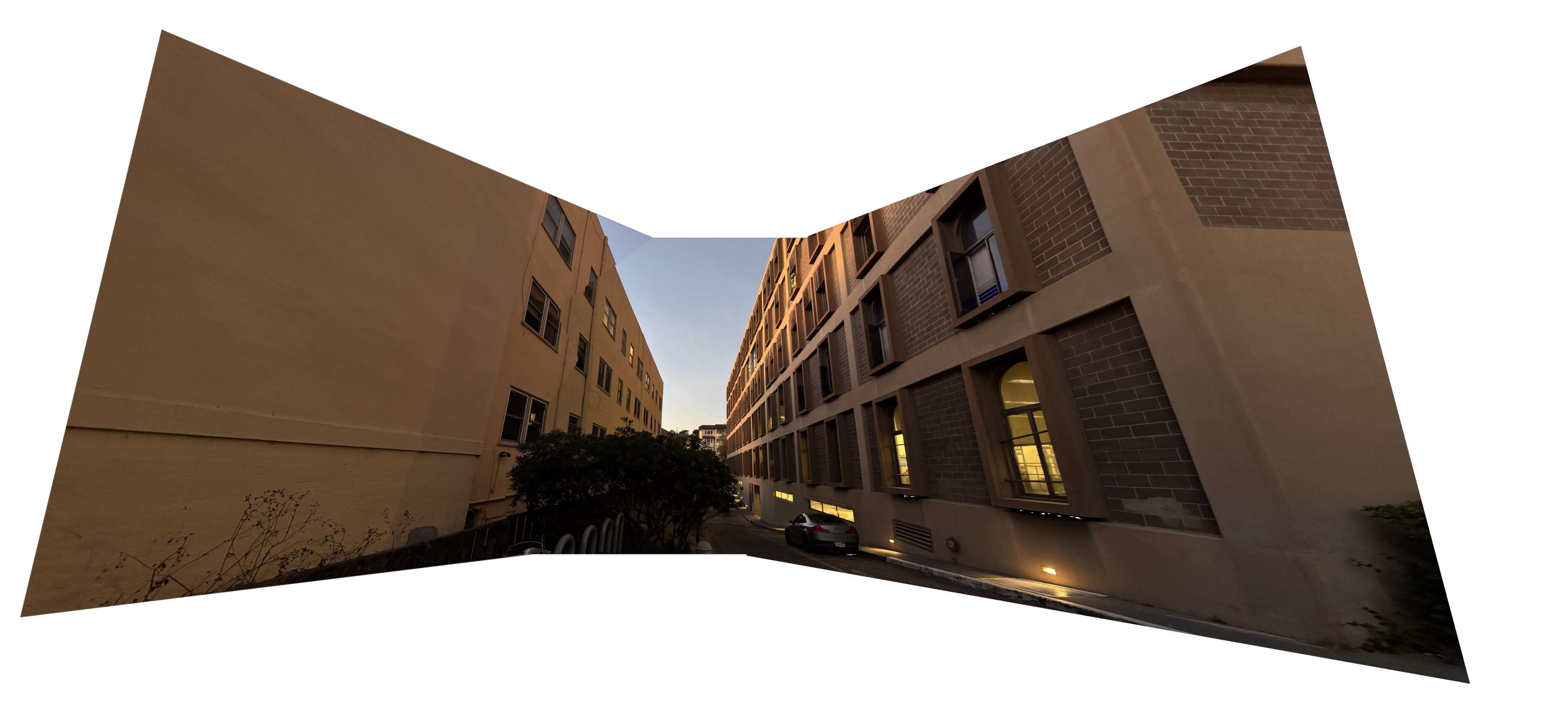
Wide figure — breaks noticeably past the text column. Great for panoramas:
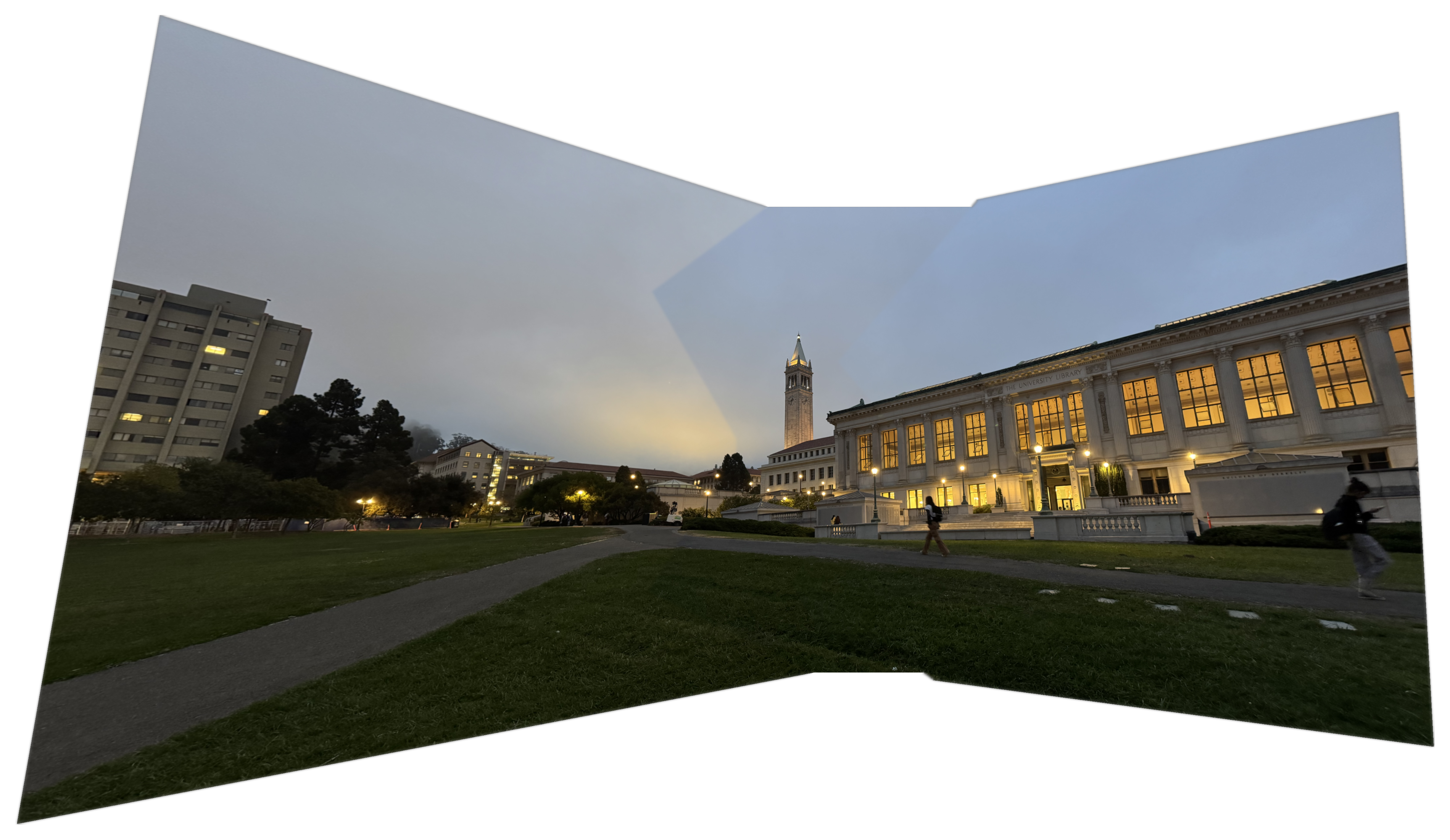
You can also use raw HTML for full control:
<figure class="wide">
  <img src="/path/to/image.png" alt="description" loading="lazy">
  <figcaption>Caption text.</figcaption>
</figure>
Callout boxes
Use callouts to highlight definitions, key results, or caveats.
Markdown works inside: bold, code, $E=mc^2$.
This is a warning callout. Use for gotchas or things that commonly go wrong.
Success / tip variant.
Margin notes and hover tooltips
Margin notes come in two flavours depending on screen width:
- ≥1320px viewport — the note floats into the right gutter, Tufte-style.
- <1320px viewport — the note is hidden; a small
†marker appears. Hover or focus it to reveal the note as a popup tooltip.
Try it here — hover the † symbol:
This sentence discusses signal detection theory. †The Neyman–Pearson lemma establishes that the likelihood ratio test is the most powerful test for simple hypotheses. It underpins the design of optimal detectors in radar and communications. Optimal detectors exploit the structure of the noise distribution. †Under AWGN, the optimal receiver is the matched filter — it maximizes output SNR by correlating the observation with the expected signal waveform.
...signal detection theory.{% include marginnote.html text="Note text here." %} Next sentence.
No space before the tag. The † appears right after the word the note annotates.
Numbered sidenotes and hover citations
Sidenotes are the numbered-citation version of margin notes. The superscript number is the hover trigger at narrow widths, and the note floats in the margin at wide widths.
The matched filter 11 The matched filter (correlator receiver) is the optimal linear detector under AWGN: it maximizes output SNR by correlating the received signal with a conjugate-flipped replica of the template. See Turin, 1960, IRE Trans. Inf. Theory. is the foundation of coherent radar and communication receivers. Applying it requires knowledge of the waveform 22 When the target has significant radial velocity, the replica must be Doppler-compensated. Pulse-Doppler radars do this by processing a bank of matched filters spanning the expected Doppler interval. at the receiver.
How to write one:
The matched filter{% include sidenote.html num=1 text="Turin (1960). <em>IRE Trans. Inf. Theory</em>, 6(3), 311–329." %} maximizes SNR.
With a link in the note text (text accepts raw HTML):
...the ELBO objective{% include sidenote.html num=2 text="See <a href='https://arxiv.org/abs/1312.6114'>Kingma & Welling (2013)</a>, eq. 4." %} lower-bounds the log-likelihood.
With a literature note (math + sidenote combined):
\[\text{SNR}_{\text{out}} = \frac{2E_s}{N_0}\]This bound 33 The bound is tight: a matched filter achieves SNR = 2E/N₀, not merely approaches it. The proof follows from Cauchy-Schwarz applied to the cross-correlation integral. is tight and achieved by the matched filter. It depends only on signal energy $E_s$ and noise spectral density $N_0$, not the waveform shape.
At ≥1320px, sidenotes ¹ ² ³ float into the right gutter. Below that width, hover the superscript to reveal the note as a popup tooltip.
HTML comments (invisible notes to yourself)
Drop invisible notes anywhere in a post — they appear in the Markdown source but not on the page:
<!-- TODO: add a figure comparing matched filter output for different SNRs. -->
<!-- NOTE: double-check the Doppler formula when target velocity > 30 m/s. -->
Interactive Plotly chart
Option A — paste Python output directly (simplest):
Generate in Python:
fig = go.Figure(...)
html_str = fig.to_html(full_html=False, include_plotlyjs='cdn')
# paste html_str directly into your .md file
Option B — write JS inline (below uses raw script, no include needed):
Use the slider to sweep frequency. Plotly charts are fully interactive: zoom, pan, export PNG.
Animated video (live example)
Videos are preferred over GIFs: ≈10× smaller and no dithering artifacts. The CS180 NeRF project used large animated GIFs; converting them to MP4 with ffmpeg cut the page weight dramatically.
Here is one — a NeRF trained on the lego bulldozer scene, synthesizing novel views by rotating around the object:
And a wide variant, good for panoramic or wider renders:
How to convert and embed your own:
# Convert GIF → MP4 (preserves dimensions, web-ready)
ffmpeg -i animation.gif -vf "scale=trunc(iw/2)*2:trunc(ih/2)*2" \
       -c:v libx264 -pix_fmt yuv420p -movflags +faststart -crf 23 out.mp4
{% include video.html src="/assets/posts/YYYY-MM-DD-title/demo.mp4"
   caption="Optional caption." wide=true %}
Put the .mp4 in assets/posts/YYYY-MM-DD-title/ alongside other post assets.
Custom JS / canvas (escape hatch)
Any raw <script> or <canvas> block drops in directly — Jekyll/kramdown passes HTML through untouched.
An animated sine wave rendered on a <canvas> element with vanilla JS — no framework needed.
Asset organization
Put per-post assets in assets/posts/YYYY-MM-DD-post-title/. Example:
assets/
  posts/
    2026-05-23-interactive-demo/
      fig1.png
      demo.mp4
Reference with /assets/posts/2026-05-23-interactive-demo/fig1.png.
Adding a new post
- Copy
_templates/post_template.md→_posts/YYYY-MM-DD-your-title.md - Fill in the front matter (title, date)
- Write in Markdown, use the snippets above for figures/math/interactives
bundle exec jekyll serveto preview locally- Commit and push — GitHub Pages builds automatically